


1.數據集
採用的資料集為人臉表情資料集:Facial Expression Recognition 2013 (FER2013)
FER2013資料集來自一個西元2013年,國際機器學習大會(International Conference on Machine Learning, ICML)舉辦的競賽.
下載連結如下:
採用的AI model如下:
FaceEmotion_ID- (trained a CNN emotion detector model)
https://github.com/abhijeet3922/FaceEmotion_ID
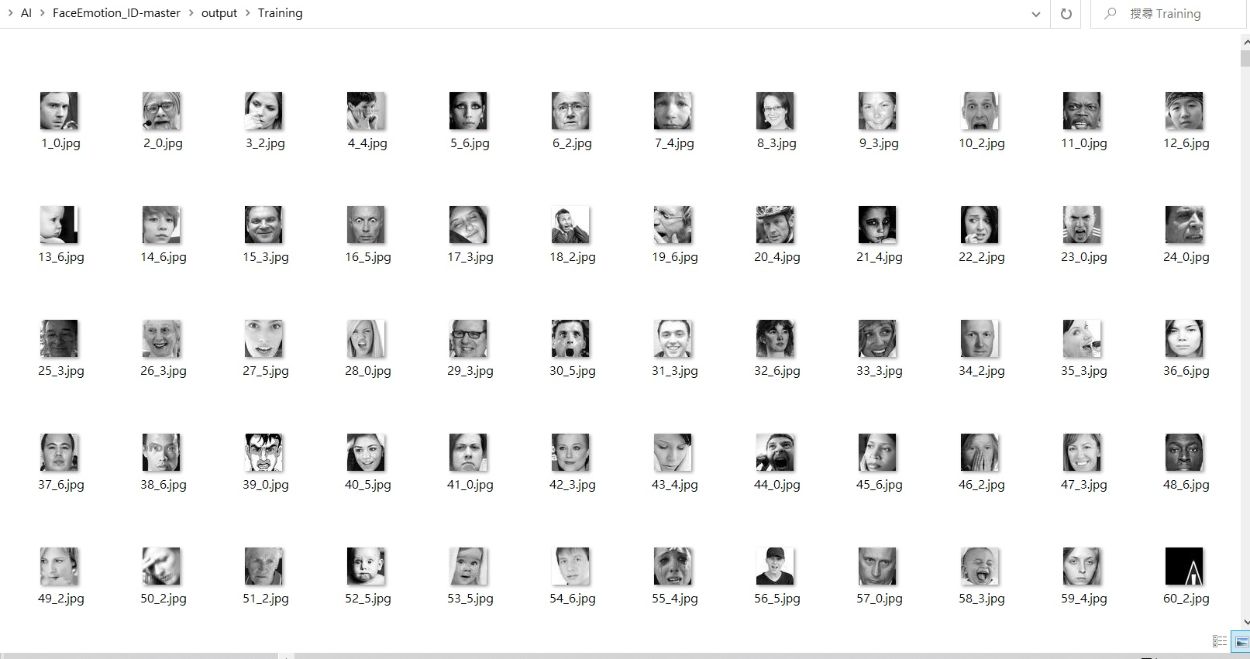
用csv_to_images.py 將fer2013.csv 的數據分類並轉換成jpg檔案.
2.模型訓練
用Google colab進行模型訓練.
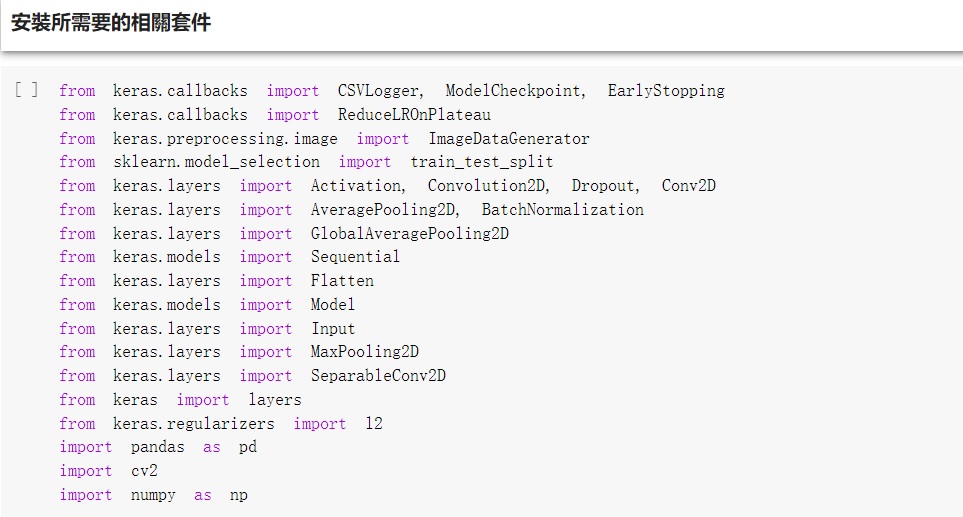
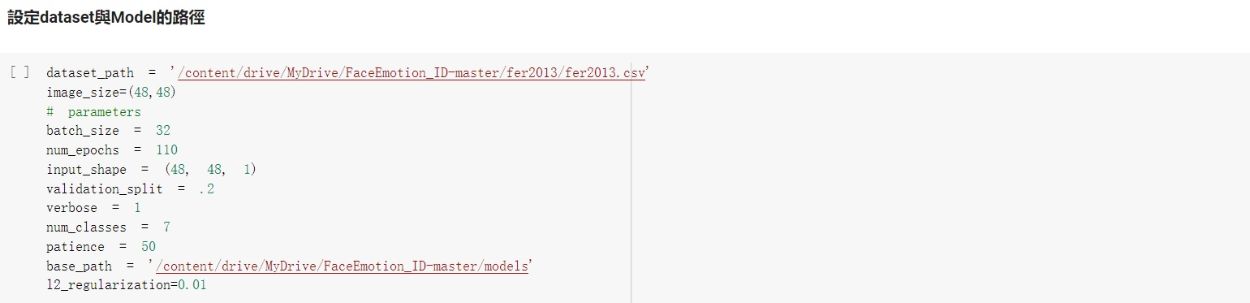
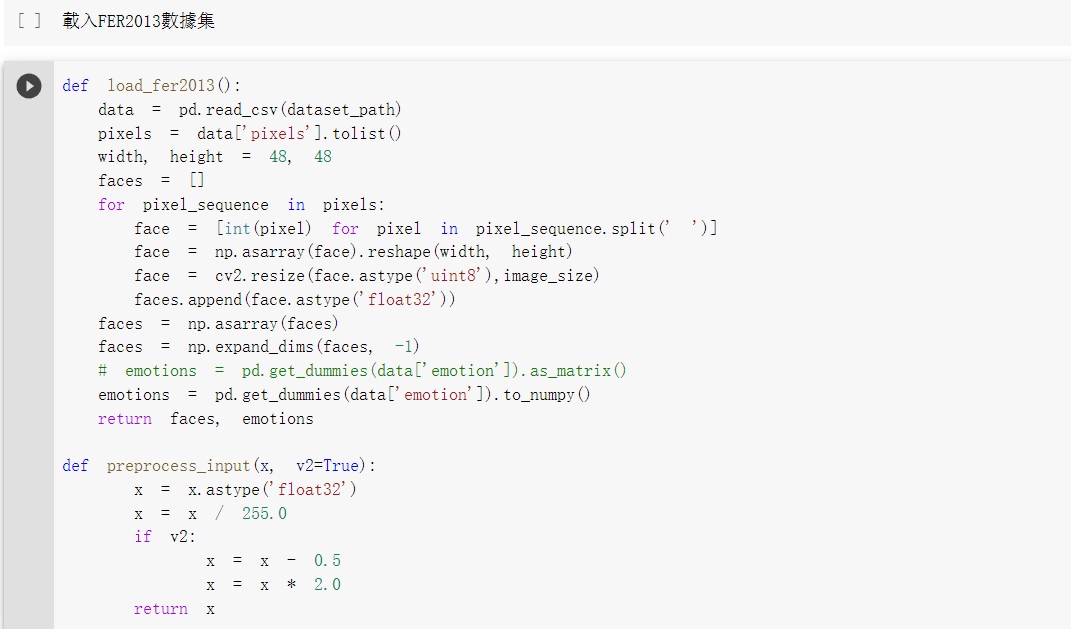
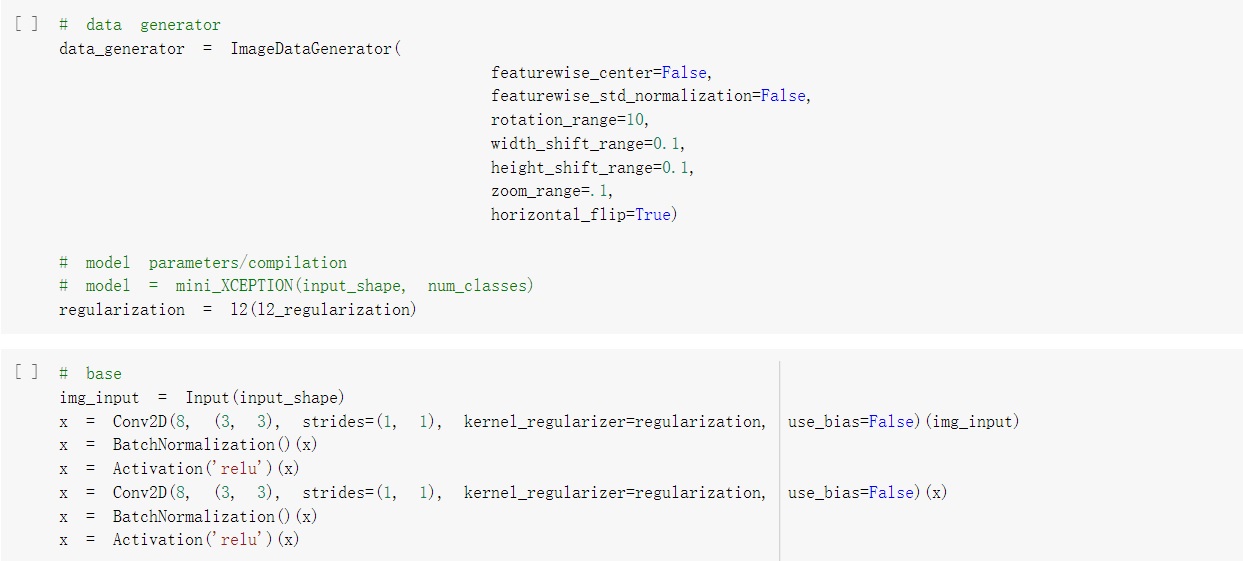
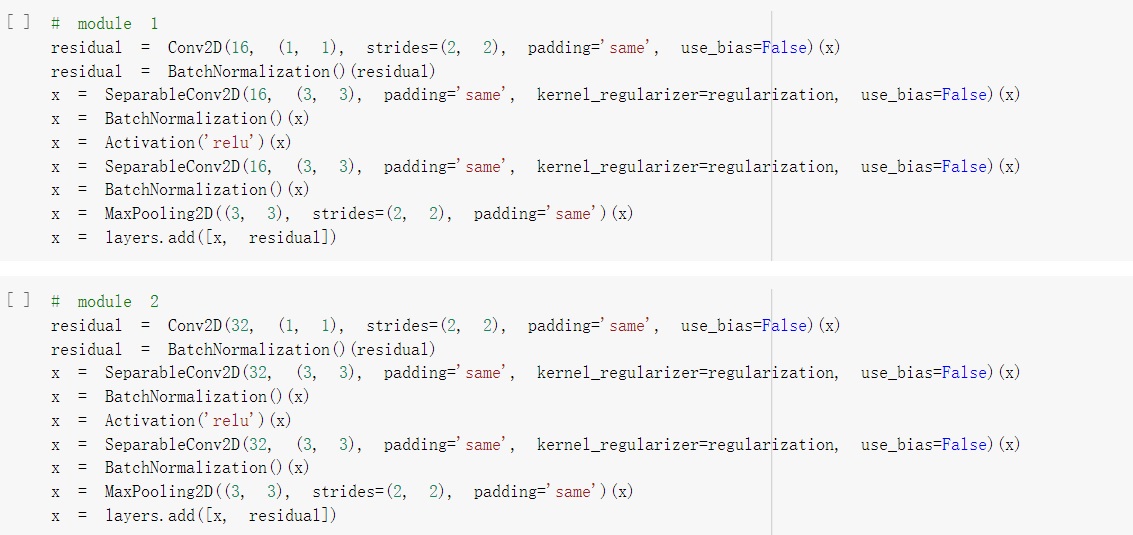
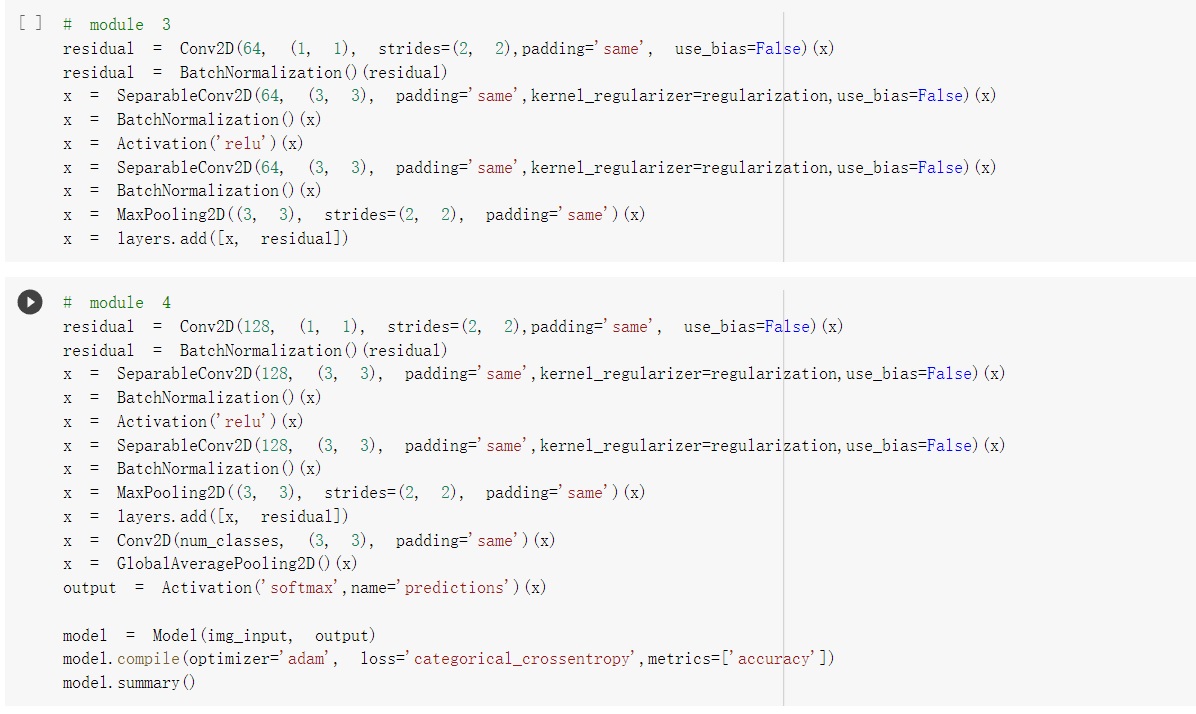
開始進行模型訓練.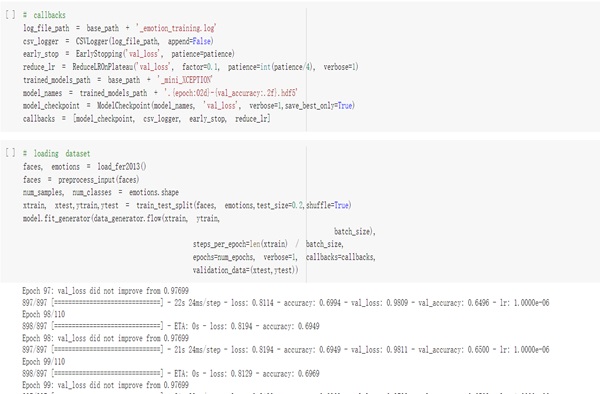
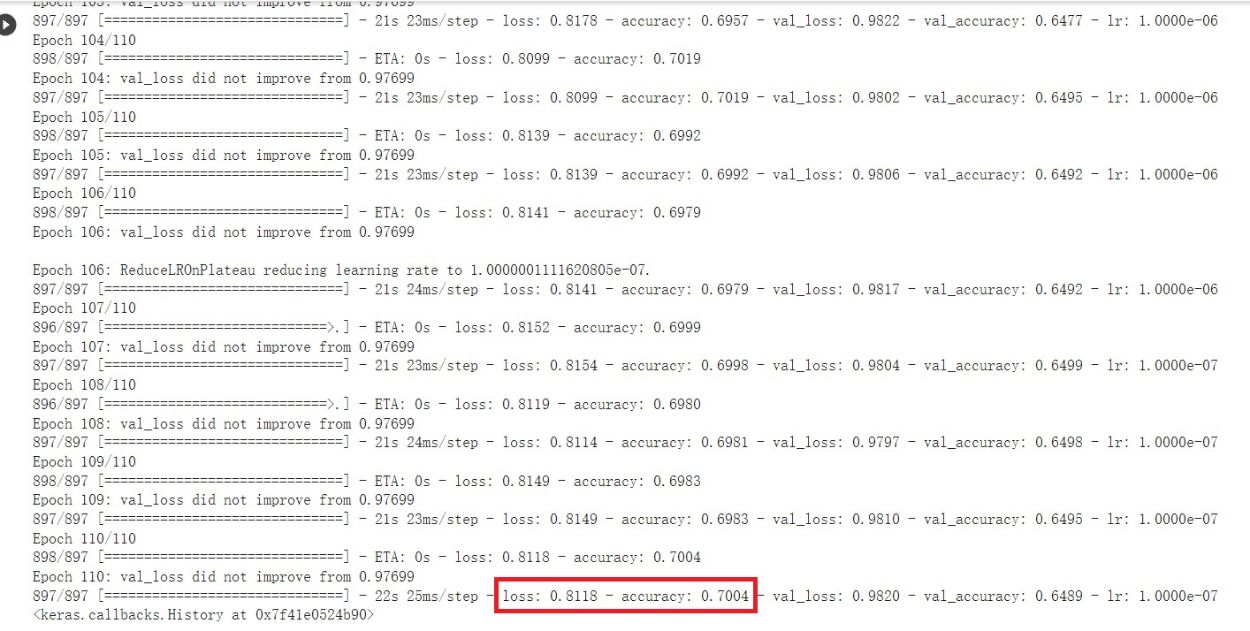
模型訓練結果大約可以達到70%.
將模型儲存為.h5與.tflite檔案.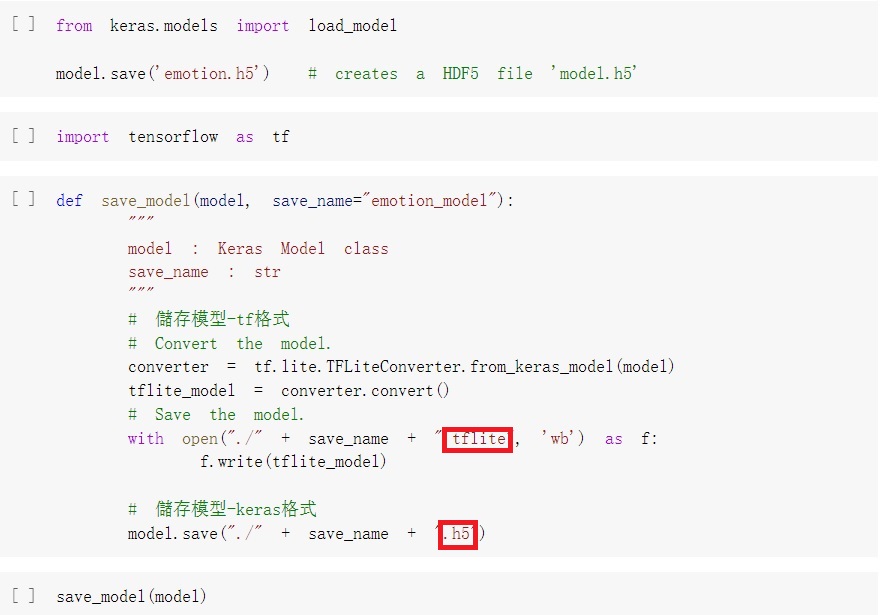
3.測試與驗證:
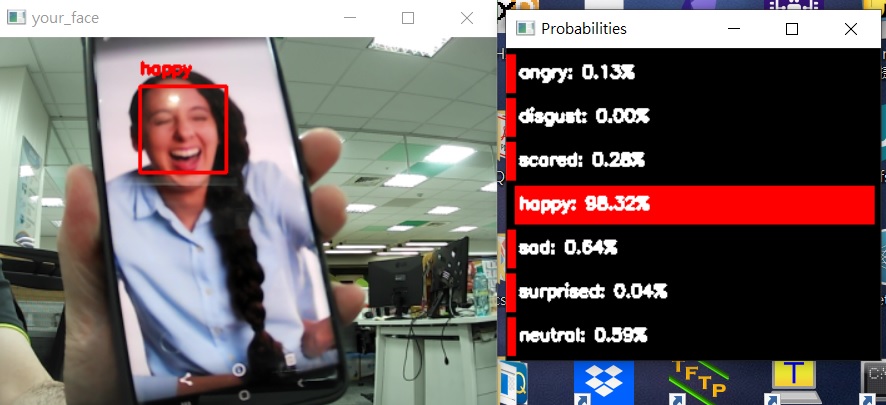
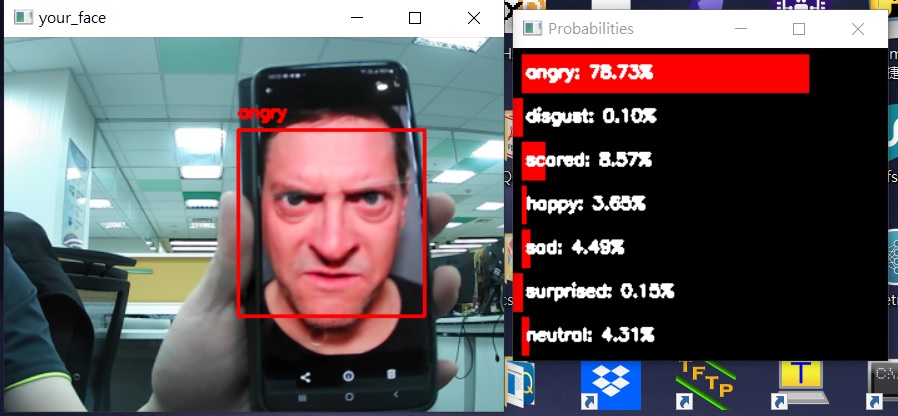
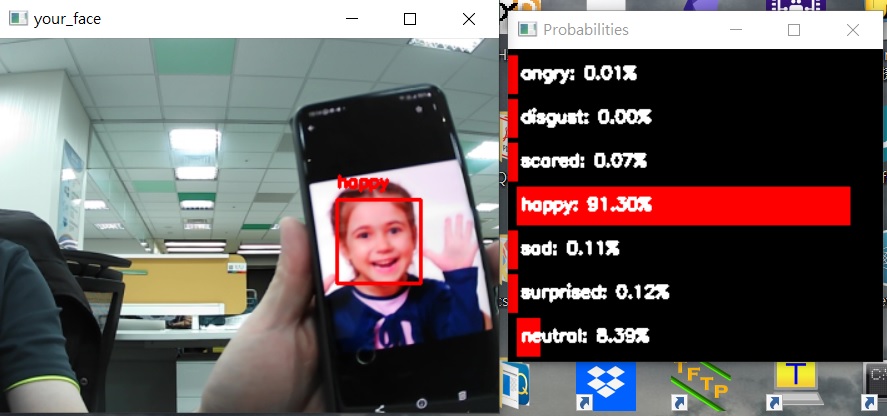
驗證的圖片使用Pixabay 的免費圖庫,如有侵權請不吝告知
立即移除.感謝!!
開啟電腦的攝像頭用real_time_video.py置換自己訓練好的模型做驗證.
4.高通 SNPE SDK模型轉換為DLC
SNPE SDK可以從Qualcomm Developer site 網站下載:
https://developer.qualcomm.com/software/qualcomm-neural-processing-sdk
Snapdragon Neural Processing Engine SDK Reference Guide
https://developer.qualcomm.com/sites/default/files/docs/snpe/overview.html
TFLite Model Conversion 轉換為DLC 的command
https://developer.qualcomm.com/sites/default/files/docs/snpe/model_conv_tflite.html
用SNPE SDK 將tflite檔案轉換成DLC檔案
snpe-tflite-to-dlc --input_network emotion_model.tflite --input_dim input "1,48,48,1" --output_path emotion_model.dlc

評論